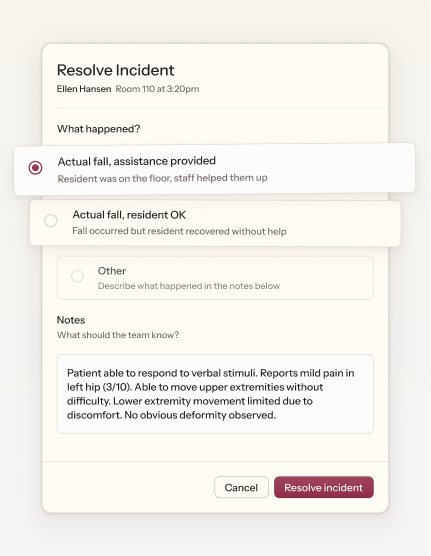
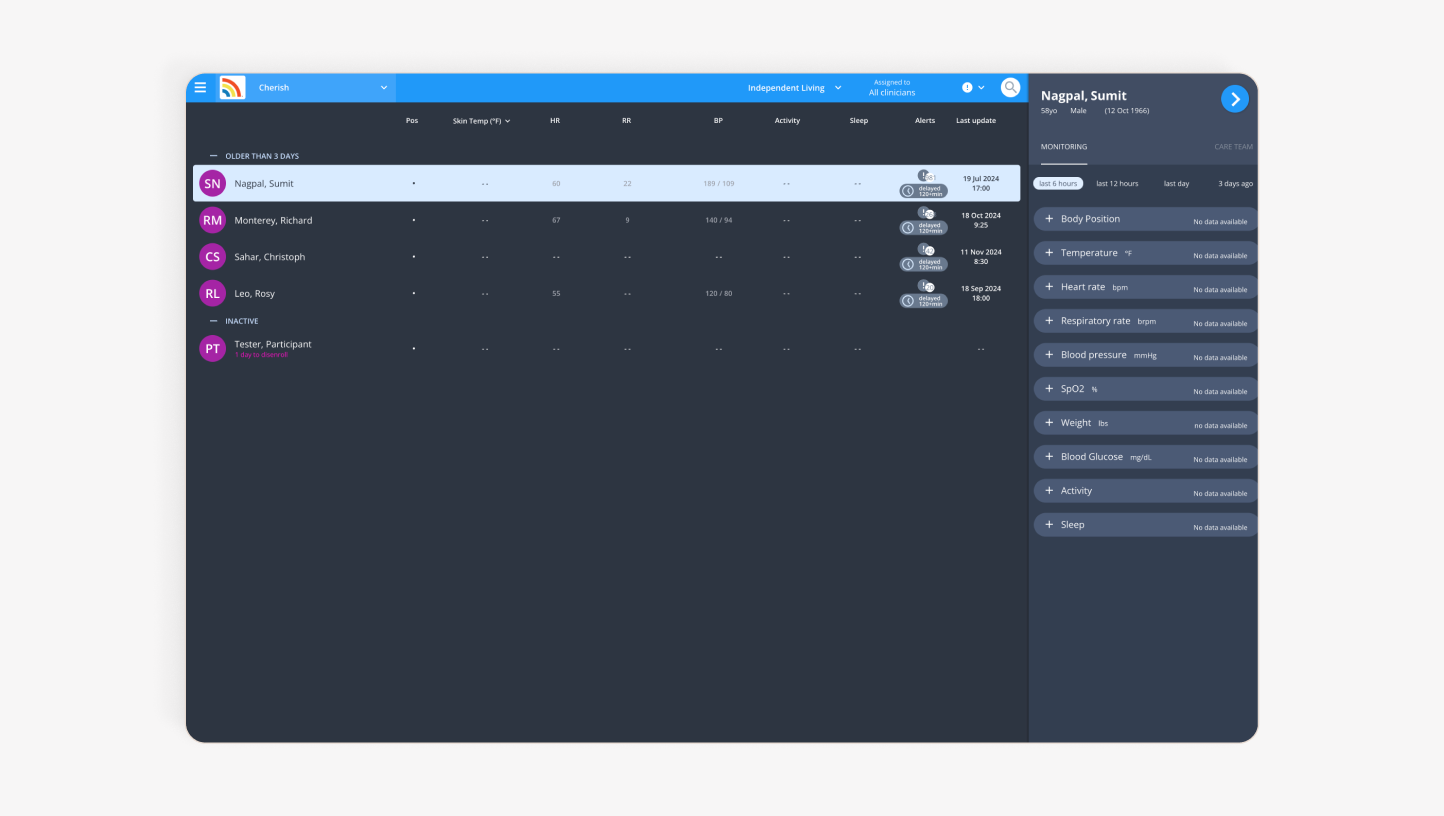
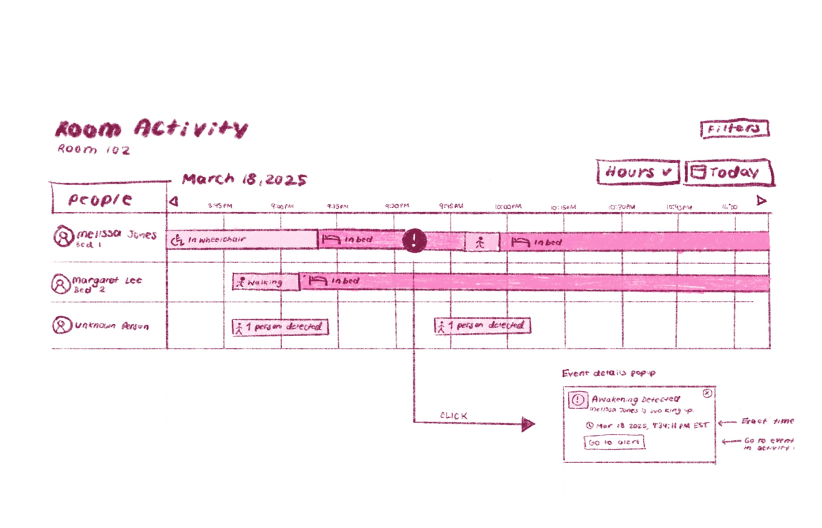
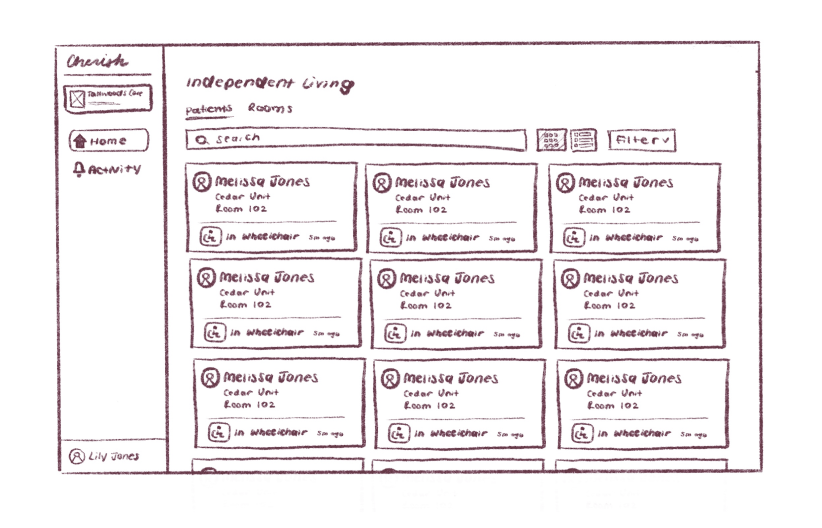
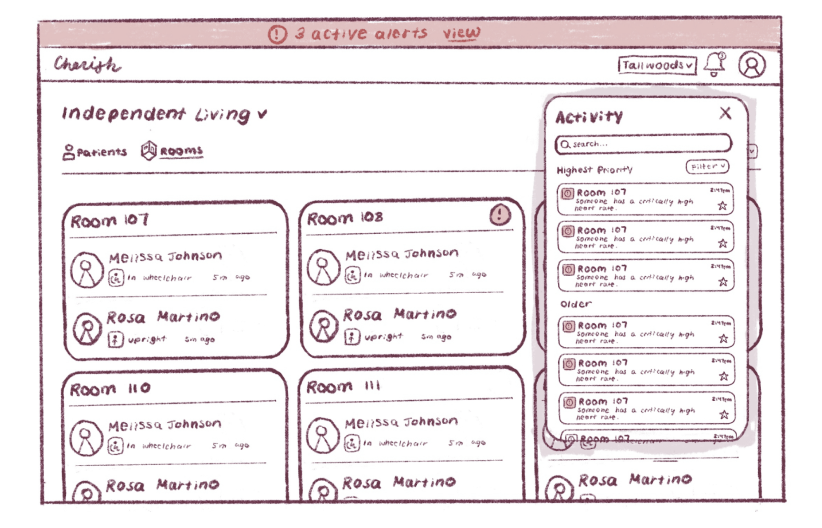
Various UI from the dashboard.
Context
A fall detector that prioritizes privacy.
While most offerings used cameras or wearables, Cherish was building a fall monitor that used AI and radar instead. This new alternative allowed older adults to live safely without feeling like there was something getting in the way.
Nursing homes were key partners, acting as investors, consumers, and a real-world environment to test the emerging technology.
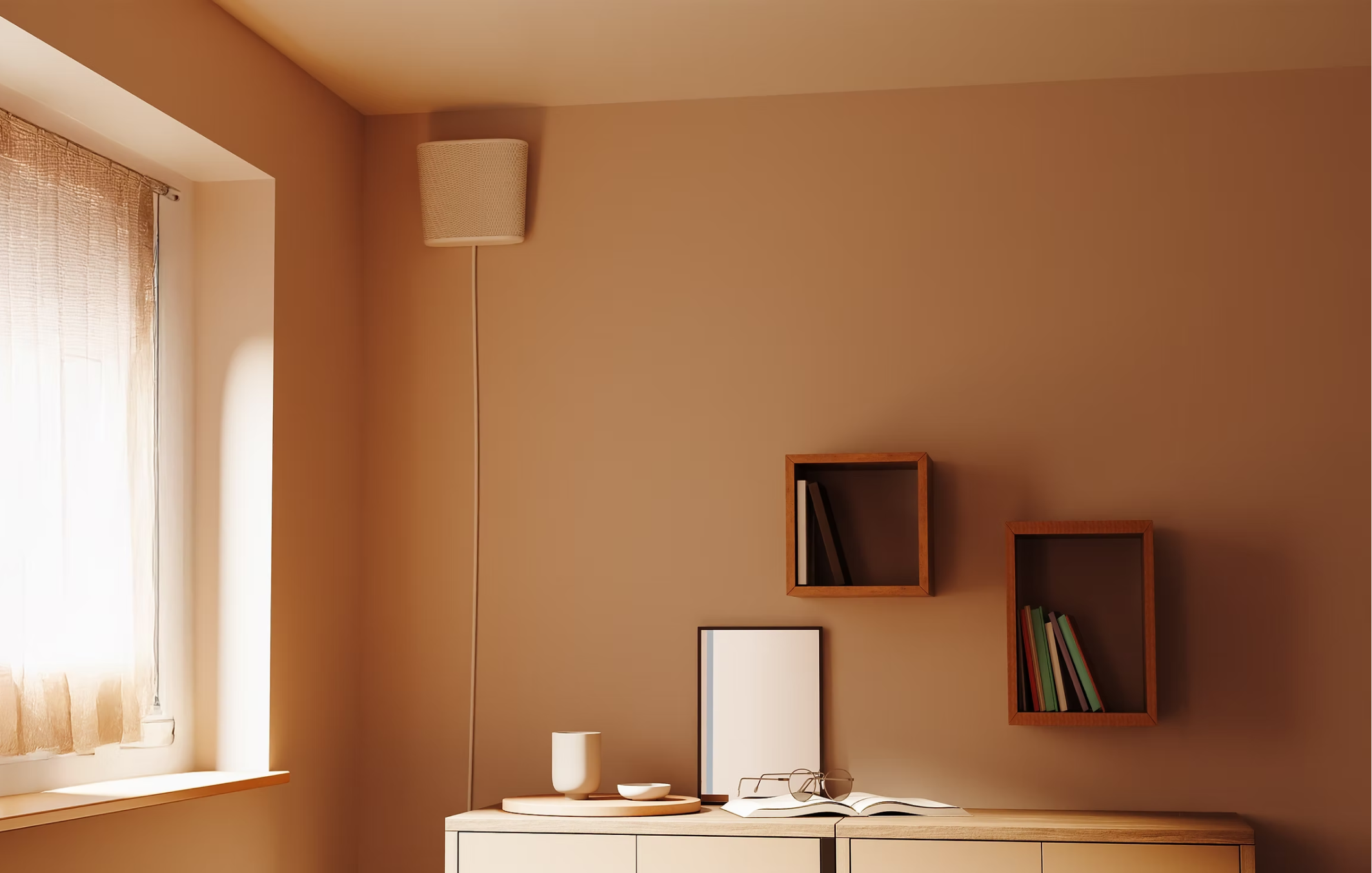
The wall-mounted device feels more like a lamp than a health monitor.
Problem
Nurses work in a high stress environment where new tools add friction.
While the tech could significantly improve patient outcomes, it only mattered if it worked with existing workflows. Delivering value meant helping nurses identify and respond to incidents as quickly as possible.
At the same time, the product was still evolving. The device captured powerful information but offered little feedback, and we had to translate this “black box” into actionable insights, accounting for the device’s limitations and functionalities that could at times be unclear.
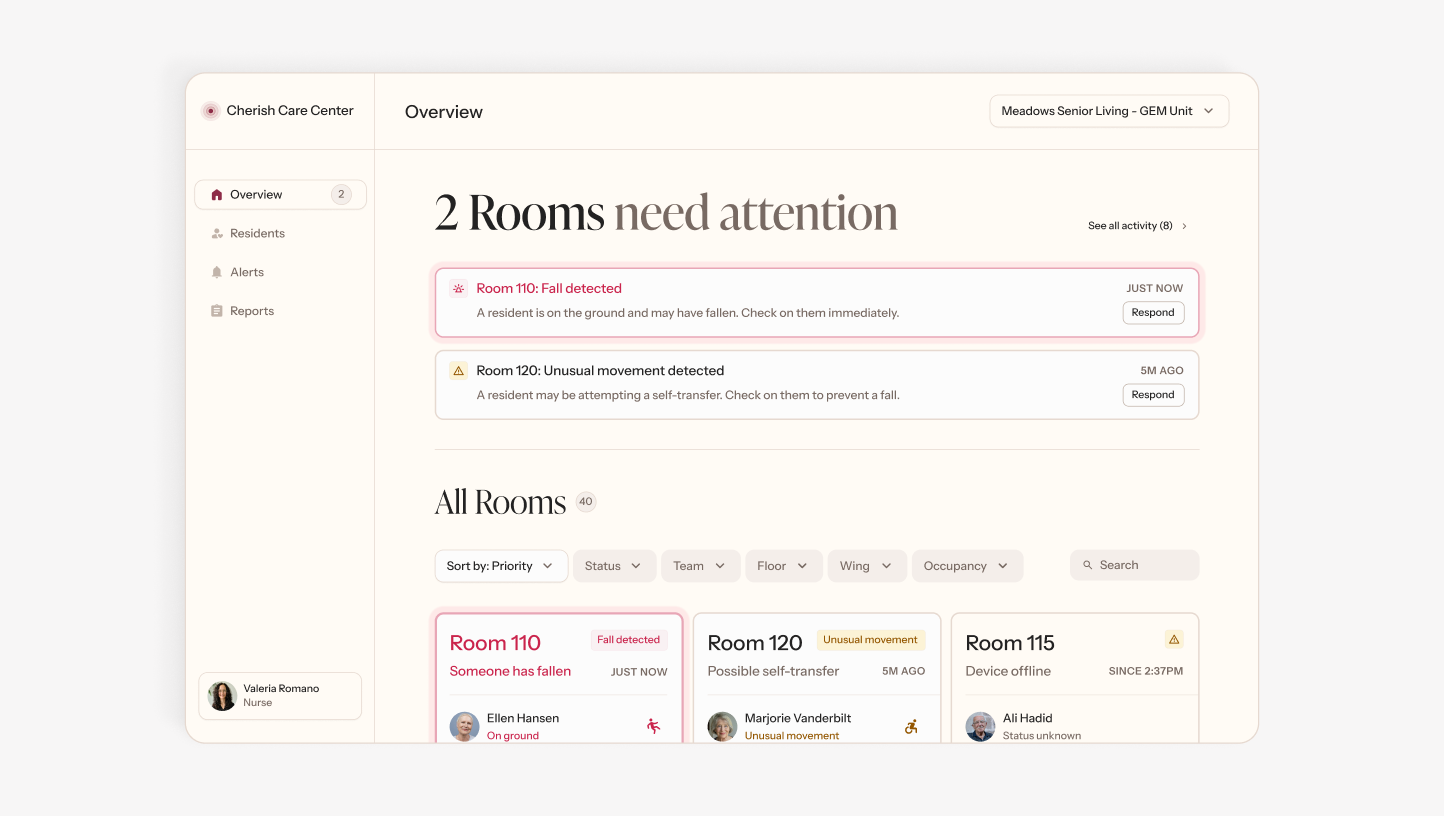 Before
After
Before
After
The existing dashboard was just a table of vitals. It didn't prioritize the fall alerts—the product's entire value prop.
Research
Learning how nurses work, where they work.
We visited three different nursing homes to understand their workflows, challenges, and possible barriers to adoption. Numerous interviews, usability tests, and observational sessions helped us understand how nursing homes currently dealt with falling.
01
Secondary Research
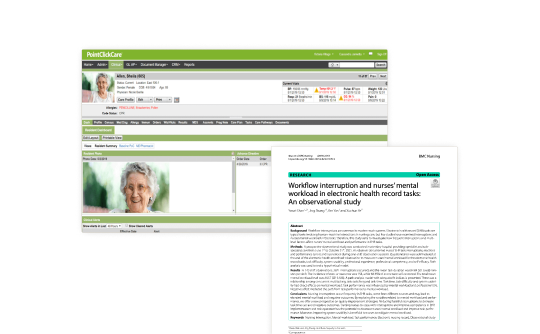
To build foundational context, we reviewed literature on nursing home workflows and looked at common digital platforms used.
02
Field Research
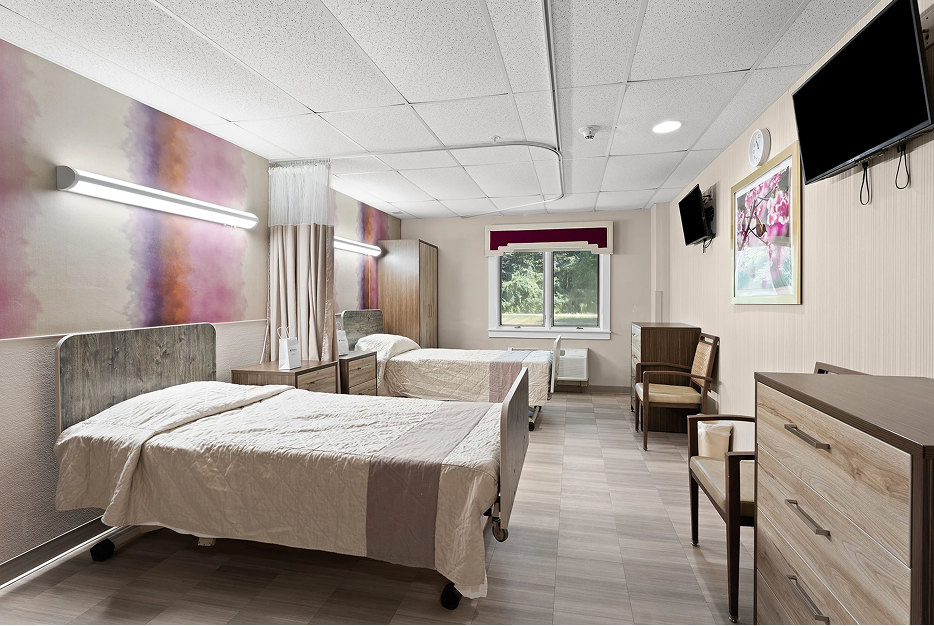
We visited 3 different care facilities to conduct interviews and observe workflows.
03
Data Analysis
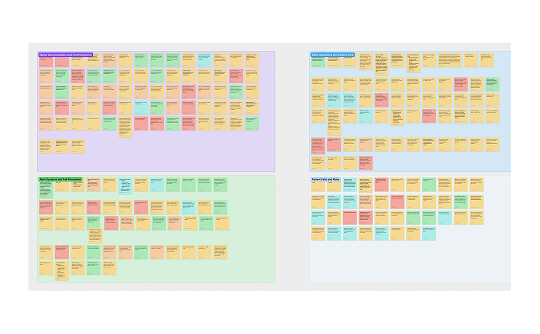
To organize our findings, we ran an affinity mapping session, revealing 4 key themes.
What we learned
The device had to do more than just detect falls—it had to prevent them before they happened.
Across interviews and site visits, three consistent themes emerged about how nurses think about fall risk, staffing, and accountability.
Residents want to move around independently, but movement creates risk.
Simply getting out of bed or into a wheelchair can cause falls. Nurses need to be aware of movement without noise from constant alerts.
01
Staffing gaps mean nurses often lack context on who they're caring for.
In a high-turnover, shift-based environment, up-to-date knowledge of each resident's fall risk can't live in someone's head.
02
Fall monitoring is both a liability and a shield.
Nurses fear data being used against them in court, but that same data can prove they responded fast and did their job.
03
Identifying Opportunities
After synthesizing our research, we translated our findings into a strategic product vision, identifying key opportunities to better align with unmet market needs.
We pitched our ideas to company leadership, using low-fidelity wireframes to illustrate how the platform could evolve to support nurses in real-world scenarios. This presentation served to establish a shared vision and align on feasability before high-fidelity design.
What I designed
A dashboard built for the complexities of nursing home care
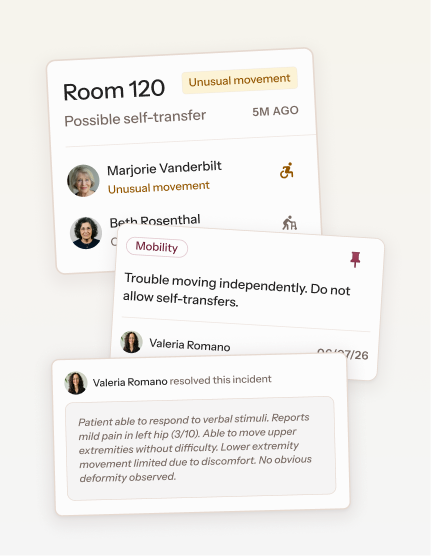
Risky movement brings a room to the top of the list, but doesn’t demand as much urgency as an active fall.
Catching risky movement before it becomes a fall
The original system only tracked when a resident was standing, sitting, or on the ground, and only alerted nurses after a fall happened. But most residents used mobility aids, so we added new body positions and a lower-priority alert for possibly dangerous movement.
01
Only nurses with permission to edit a resident’s settings may do so, and all changes are timestamped.
Custom alert settings provide more individualized care
Risky movement for some residents is completely normal for others. To avoid excessive alerts, nurses can control what they want to be aware of.
02
Notes and tags help shift workers quickly understand each resident's care needs.
Notes and tags keep care consistent with varied staff
Staffing changes frequently and a patient's care needs can get lost in the various communication channels nurses use. A patient's detail page keeps it all in one place.
03
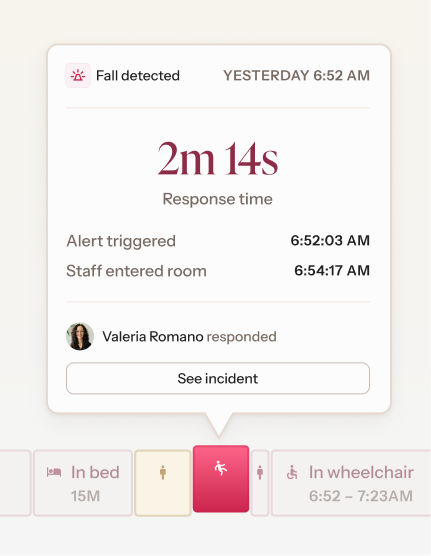
The timeline records exactly when staff entered the room after an incident.
Keeping track of incident response times
We introduced a timeline that shows exactly when a nurse entered the room after an incident, helping staff verify response times.
04
Outcome
Lasting impact beyond the screen
Like any startup, Cherish's priorities were rapidly evolving. After this project, the company shifted its focus towards in-home devices, pausing development of the assisted living platform. Nonetheless, our impact was still felt.
Redirected AI training efforts
While the AI team had been training their models to detect falls from a person sitting or standing, our research shifted their focus to mobility aids like wheelchairs, as well as warning signs before a fall.
Proved the value of research in an environment where speed is everything
As the company's first UX research initiative, this project encouraged lightweight usability testing and early validation in subsequent design work.